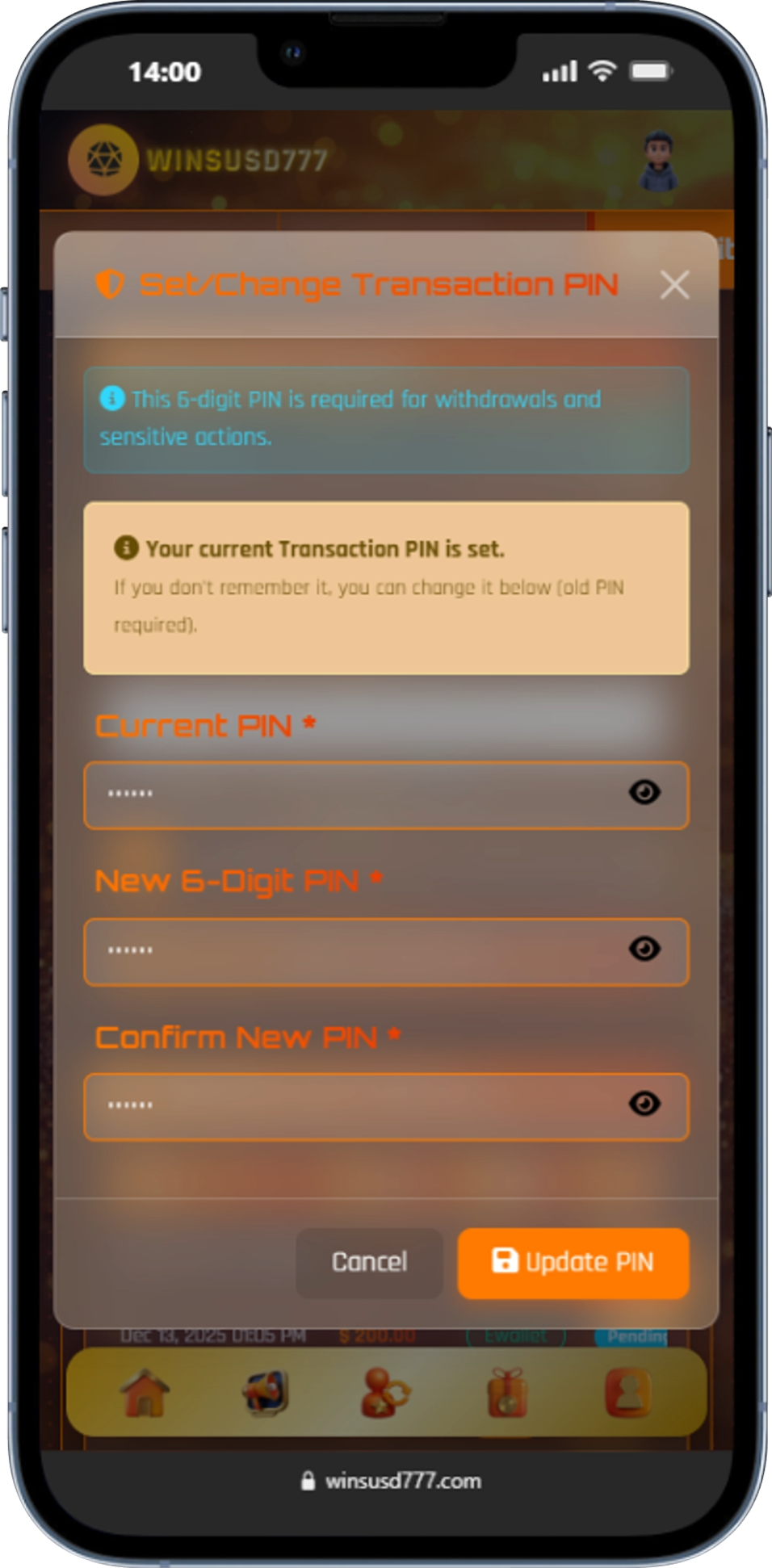
How to set your Transaction PIN?
25 September, 2025

This guide explains how to create or update your transaction PIN for secure transactions.
The transaction PIN adds an extra layer of security to your account. It is required to confirm sensitive actions such as withdrawals and transfers.
Follow the steps below to manage your transaction PIN:
Note: Never share your transaction PIN with anyone. For security reasons, avoid using easily guessable numbers such as birthdays or repeated digits.

25 September, 2025

17 November, 2025

05 December, 2025

05 November, 2025